All your cards.
One tap away.
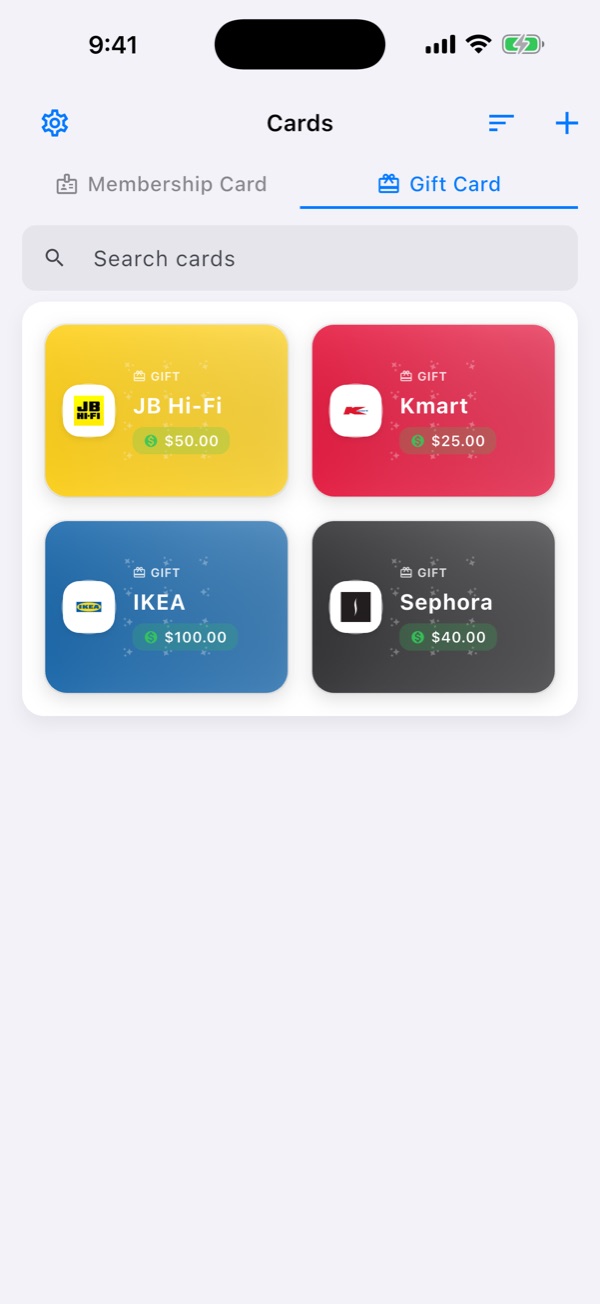
TapPass keeps your membership, loyalty and gift cards together on your phone, ready to scan at the checkout. No account needed.
For iPhone, iPad and Android · English & Tiếng Việt

Leave the bulky wallet at home
Add a card in seconds, then pull it up the moment you need it — even with a queue behind you.
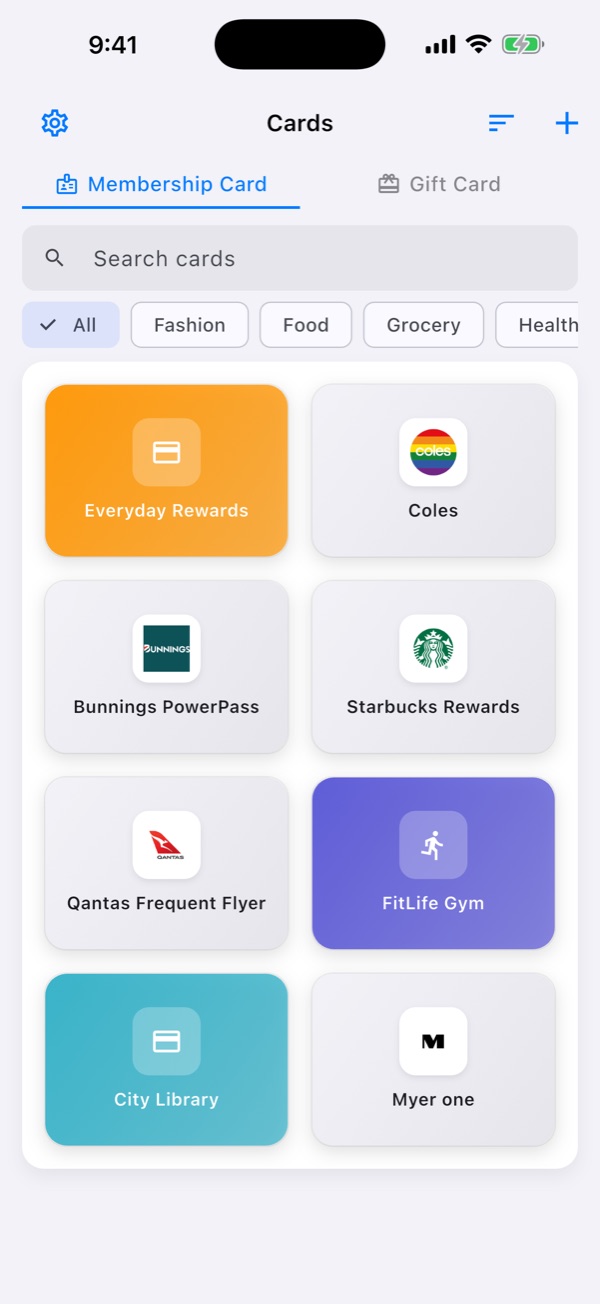
200+ store templates
Pick your store from a list filtered by your country, complete with its logo and colours.
Scan to add
Scan the barcode with your camera or from a photo, or type the number in by hand.
Checkout-ready barcodes
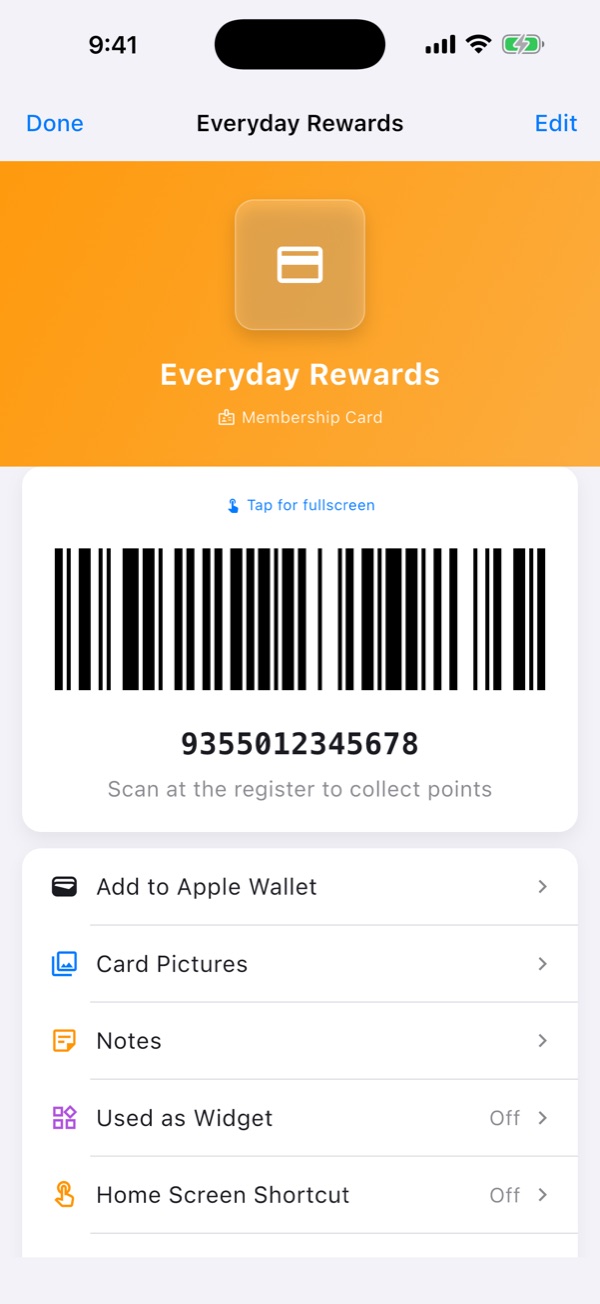
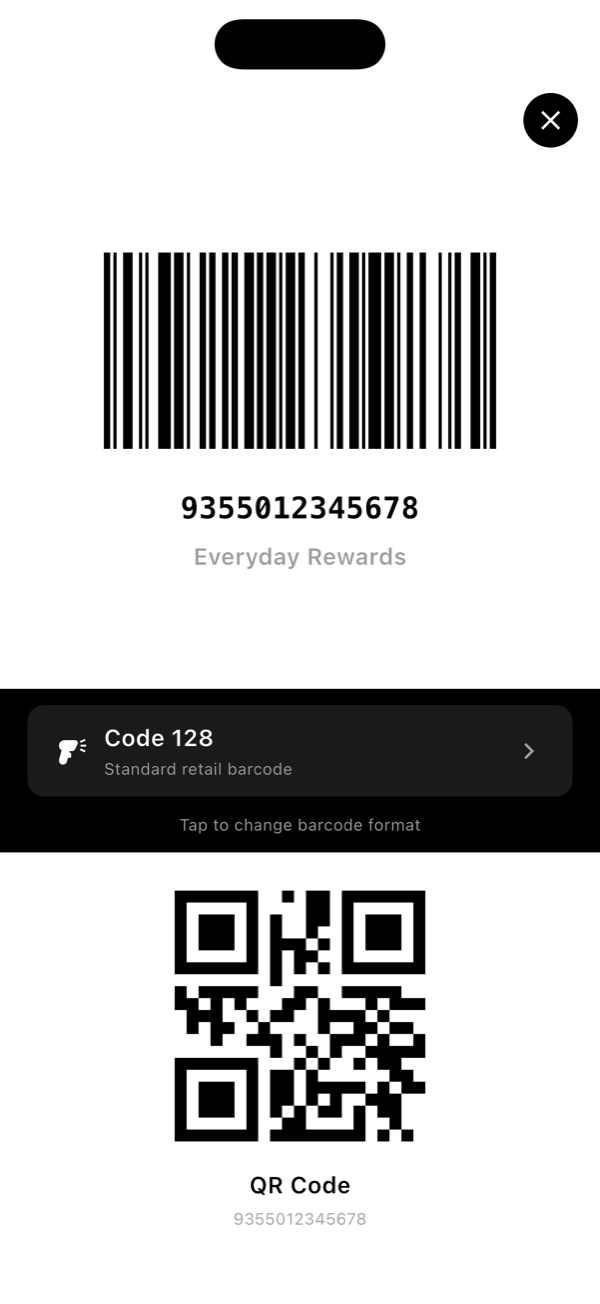
Full-screen barcode at maximum brightness. Code 128, QR, PDF417, Aztec and Data Matrix.
Front & back photos
Keep a photo of both sides of the card, plus notes, balances and expiry dates.
Search, sort & tags
Find any card instantly. Sort by name or recently used, or organise with tags.
Expiry reminders
Get a heads-up 7 days before a card or gift card expires, and again on the day.
App Lock
Protect your cards with Face ID, fingerprint or your device passcode.
Backup & restore
Export everything to a single file and restore it on a new phone. Import cards from Catima too.
Widgets & shortcuts
Home-screen and Lock Screen widgets, app-icon quick actions and Siri Shortcuts.
Take a look
Clean, fast and built for the checkout queue.
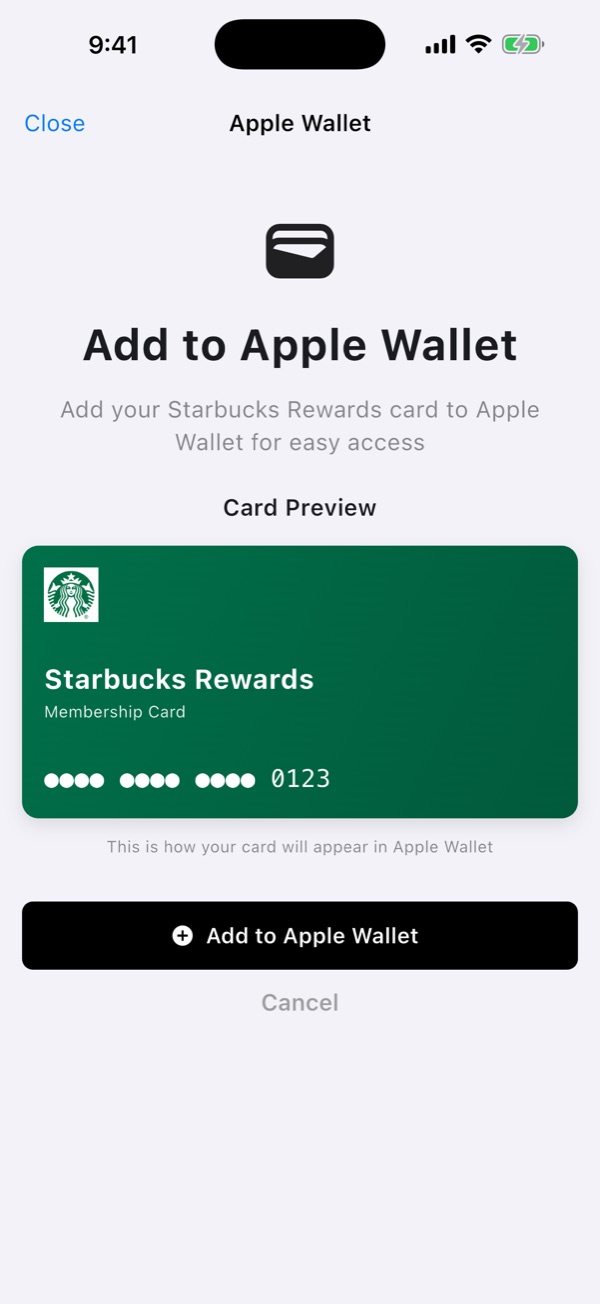
Works with Apple Wallet
On iPhone, turn any card into an Apple Wallet pass. Add the store's location and Wallet can bring the pass up on your Lock Screen when you're nearby.
- Add your cardChoose the store, then scan the barcode.
- Tap “Add to Apple Wallet”Optionally save the store's location with the pass.
- Scan and goOpen the pass from Wallet, a widget or the app.
Your cards stay yours
TapPass has no account and no servers holding your cards. Everything you add is stored on your device.